
Instagram is two apps in one: a feed you scroll and a place where people message you. The lock cannot tell them apart, which is the one thing to settle before you pick it.
On iPhone
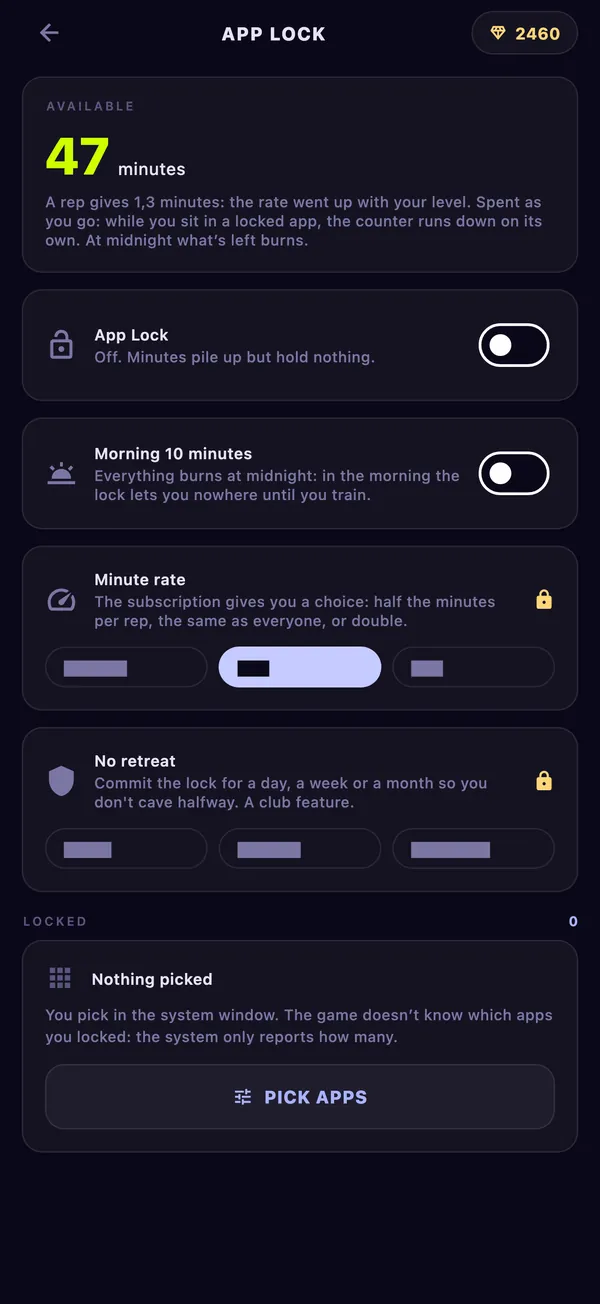
In the system window that opens from Pick apps, tick Instagram. The game only learns that one more item is on the list, not which.
Add instagram.com under websites in the same window, or Safari stays open to the same feed.
On Android
Pick Instagram from the game’s list once both permissions are on. The weekly time shown next to it is worth a look before you decide about messages.
The lock on Android covers installed apps only. Instagram in a browser stays open. Pick the browser as well if that is where you end up, or leave it and lock the app only.
Your messages are locked too
When Instagram is locked, its messages are locked with it. If friends or work reach you there, you have two honest options: keep a few minutes in reserve for replies, or leave Instagram out and lock something you only scroll. The ten morning minutes, on by default, help here: they carry over from the evening so you can check messages before your first set.
At the starting rate 20 push-ups buy 20 minutes. The clock stops as soon as you leave the app.